Trigger Other Pipeline
Depending on your project needs, CI/CD pipelines are usually split into multiple pipelines like Build, Test, Deployment, and Verification.
The common scenario is to trigger the deployment Jenkins Pipeline from the stage using Jenkinsfile once the build pipeline is completed
You can even hold the parent pipeline until the child pipeline finishes.
Create Child Pipeline
Create a Jenkinsfile named 08-Jenkinsfile-child-pipeline inside the cicd folder
pipeline {
  agent any
  tools {
    maven 'maven-3.6.3'
  }
  stages {
    stage ('Build') {
      steps {
        sh 'mvn clean package'
      }
    }
  }
}
If you do not have a sample Java code, follow these steps to create one
How to create a GitHub repository and push a sample Java 21 Maven Project
Push the 08-Jenkinsfile-child-pipeline file to the GitHub repository
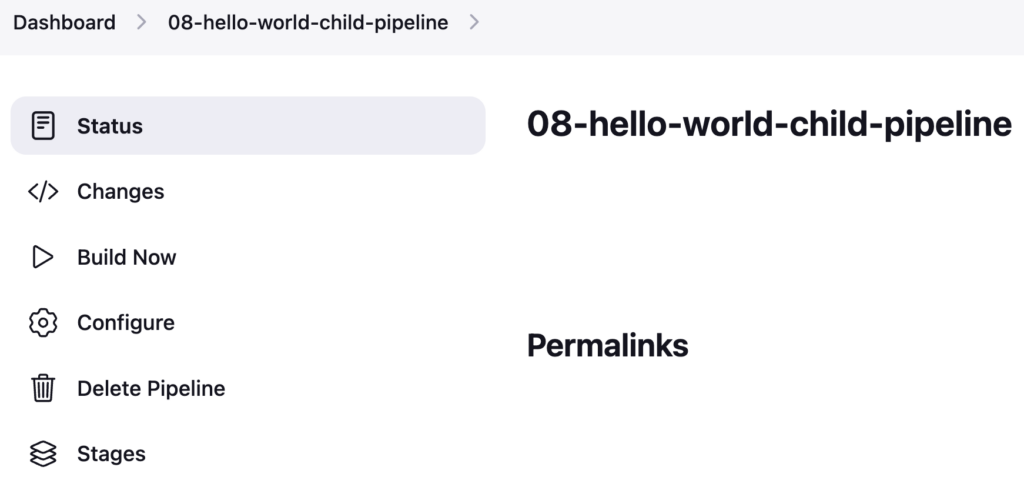
Create a Jenkins Pipeline named 08-hello-world-child-pipeline referring to your GitHub repository and enter Script Path as cicd/08-Jenkinsfile-child-pipeline
Parent Pipeline to Trigger Child Pipeline
Create a Jenkinsfile named 08-Jenkinsfile-parent-pipeline inside the cicd folder
pipeline {
  agent any
  tools {
    maven 'maven-3.6.3'
  }
  stages {
    stage ('Build') {
      steps {
        sh 'mvn clean package'
      }
    }
  }
}
Push the 08-Jenkinsfile-parent-pipeline file to the GitHub repository
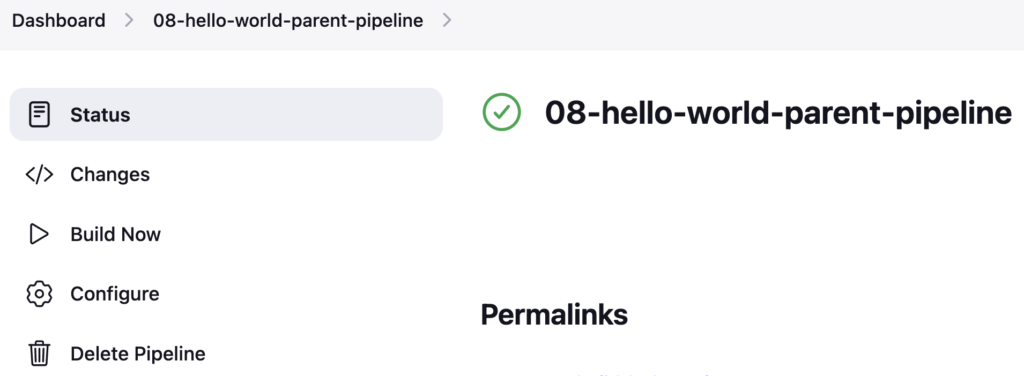
Create a Jenkins Pipeline named 08-hello-world-parent-pipeline referring to your GitHub repository and enter Script Path as cicd/08-Jenkinsfile-parent-pipeline
Add new stage Trigger child pipeline after Build stage
stage ('Trigger child pipeline') {
  steps {
    build job: '08-hello-world-child-pipeline', wait: false
  }
}
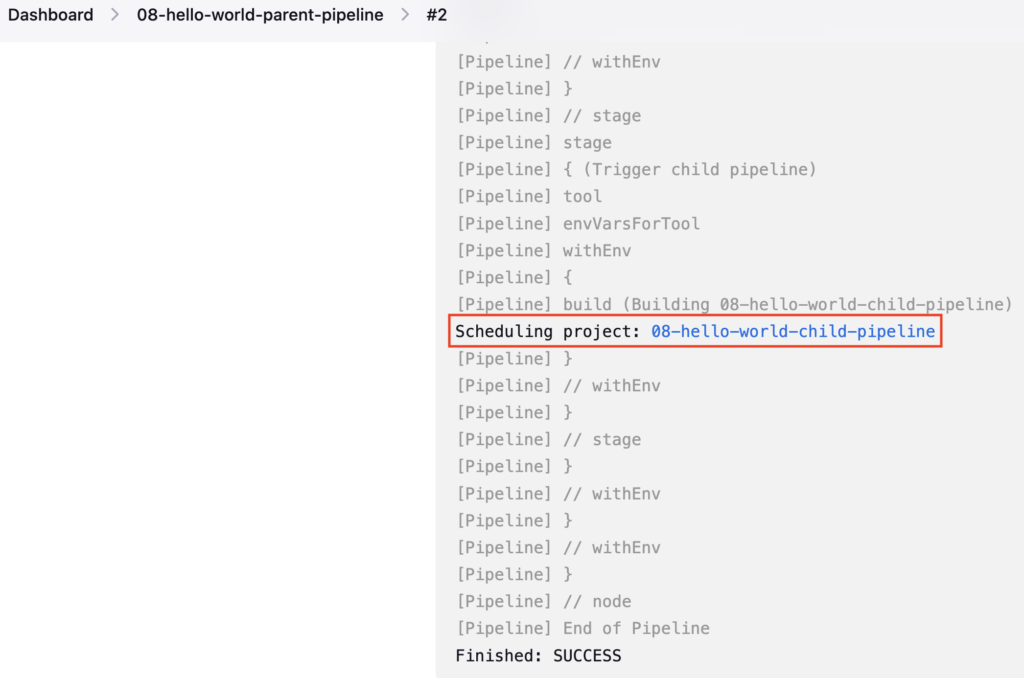
Here, the build step is used to trigger the child pipeline, you can pass many parameters to the build step. Mostly used parameters are job and wait
Using the job parameter you can pass the child pipeline name E.g. job: '08-hello-world-child-pipeline'
wait parameter is used to make the parent pipeline to wait until the child pipeline finishes
If you set wait: true it will trigger the child pipeline and the parent pipeline will wait until the child pipeline finishes and then resumes.
Similarly, If you set wait: false it will just trigger the child pipeline and finish the parent pipeline
Here is an updated Jenkinsfile 08-Jenkinsfile-child-pipeline
pipeline {
  agent any
  tools {
    maven 'maven-3.6.3'
  }
  stages {
    stage ('Build') {
      steps {
        sh 'mvn clean package'
      }
    }
    stage ('Trigger child pipeline') {
      steps {
        build job: '08-hello-world-child-pipeline', wait: false
      }
    }
  }
}
Check the diff using the git diff command
git diff
OUTPUT:
vignesh ~/code/devopspilot1/hello-world-java/cicd [main] $ git diff
diff --git a/cicd/08-Jenkinsfile-parent-pipeline b/cicd/08-Jenkinsfile-parent-pipeline
index 0e3fd6f..ad789d1 100644
--- a/cicd/08-Jenkinsfile-parent-pipeline
+++ b/cicd/08-Jenkinsfile-parent-pipeline
@@ -9,5 +9,10 @@ pipeline {
         sh 'mvn clean package'
       }
     }
+    stage ('Trigger child pipeline') {
+      steps {
+        build job: '08-hello-world-child-pipeline', wait: false
+      }
+    }
   }
 }
Push the 08-Jenkinsfile-parent-pipeline file to the GitHub repository
Build the 08-hello-world-parent-pipeline, and it should trigger the 08-hello-world-child-pipeline pipeline and it will not wait, since you set wait: false
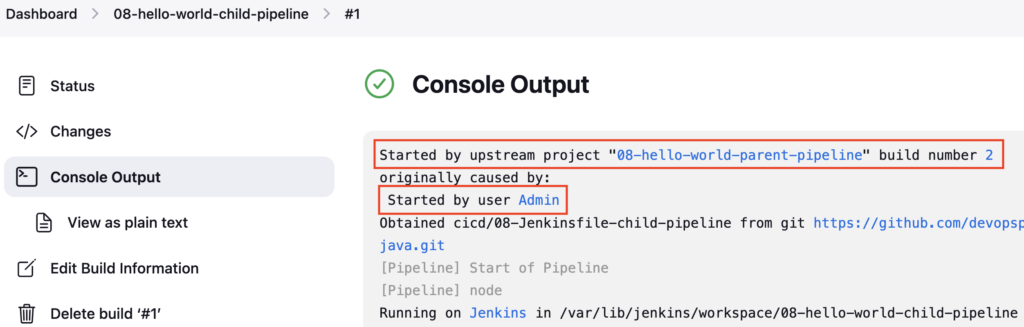
Check the logs of the 08-hello-world-child-pipeline pipeline, it will show it has been triggered by the Upstream pipeline 08-hello-world-parent-pipeline
Update wait: true in Jenkinsfile 08-Jenkinsfile-parent-pipeline
pipeline {
  agent any
  tools {
    maven 'maven-3.6.3'
  }
  stages {
    stage ('Build') {
      steps {
        sh 'mvn clean package'
      }
    }
    stage ('Trigger child pipeline') {
      steps {
        build job: '08-hello-world-child-pipeline', wait: true
      }
    }
  }
}
Check the diff using the git diff command
git diff
OUTPUT:
vignesh ~/code/devopspilot1/hello-world-java/cicd [main] $ git diff
diff --git a/cicd/08-Jenkinsfile-parent-pipeline b/cicd/08-Jenkinsfile-parent-pipeline
index ad789d1..b8c58ea 100644
--- a/cicd/08-Jenkinsfile-parent-pipeline
+++ b/cicd/08-Jenkinsfile-parent-pipeline
@@ -11,7 +11,7 @@ pipeline {
     }
     stage ('Trigger child pipeline') {
       steps {
- build job: '08-hello-world-child-pipeline', wait: false
+        build job: '08-hello-world-child-pipeline', wait: true
       }
     }
   }
Push the 08-Jenkinsfile-parent-pipeline file to the GitHub repository
Build the 08-hello-world-parent-pipeline, and it should trigger the 08-hello-world-child-pipeline pipeline and it will wait until the 08-hello-world-child-pipeline pipeline finishes
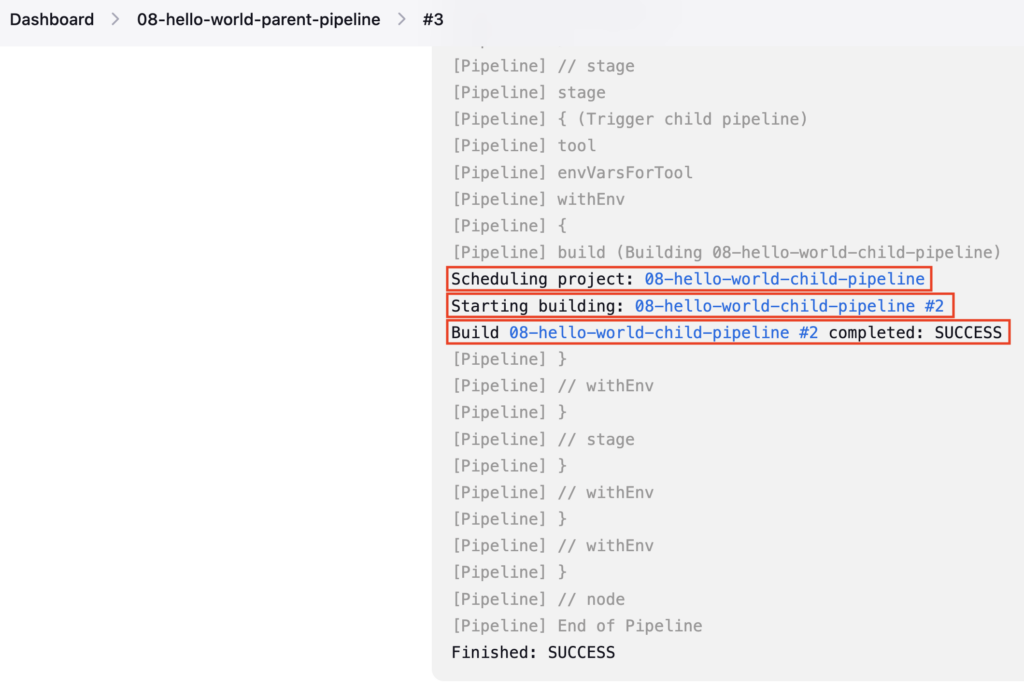
In the 08-hello-world-parent-pipeline pipeline logs, you can see, that it has waited until the child pipeline completes and then it resumes and finishes the pipeline
Reference:
Important Tips
Tip
Parameters: You can pass parameters to the downstream job using the parameters option: build job: 'child-job', parameters: [string(name: 'ENV', value: 'prod')].
Note
Deadlocks: Be careful when chaining too many jobs with wait: true. If you exhaust all available executors waiting for downstream jobs, you might create a deadlock where nothing can run.
🧠 Quick Quiz — Triggering Jobs
In the build step, which parameter ensures the parent pipeline pauses and waits for the downstream job to complete?