Initial Setup
By default, Jenkins starts on port number 8080
You can access the Jenkins by opening the ip-address:8080 E.g. localhost:8080 (if it's installed locally) from the browser
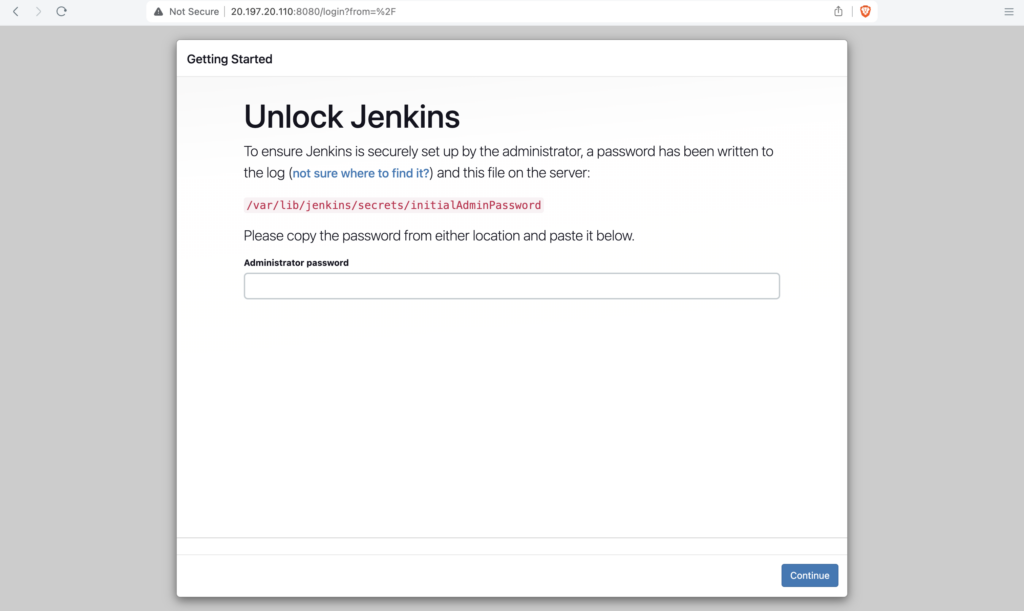
Get the initialAdminPassword from a file located in /var/lib/jenkins/secrets/initialAdminPassword
Change to root user and open the /var/lib/jenkins/secrets/initialAdminPassword file to get the password
cat /var/lib/jenkins/secrets/initialAdminPassword
ubuntu@jenkins-test:~$ sudo su
[sudo] password for ubuntu:
root@jenkins-test:/home/ubuntu# cat /var/lib/jenkins/secrets/initialAdminPassword

783013afbc7346199ef273fbb8b831bb
After entering the password click on continue
Click on Install suggested plugins
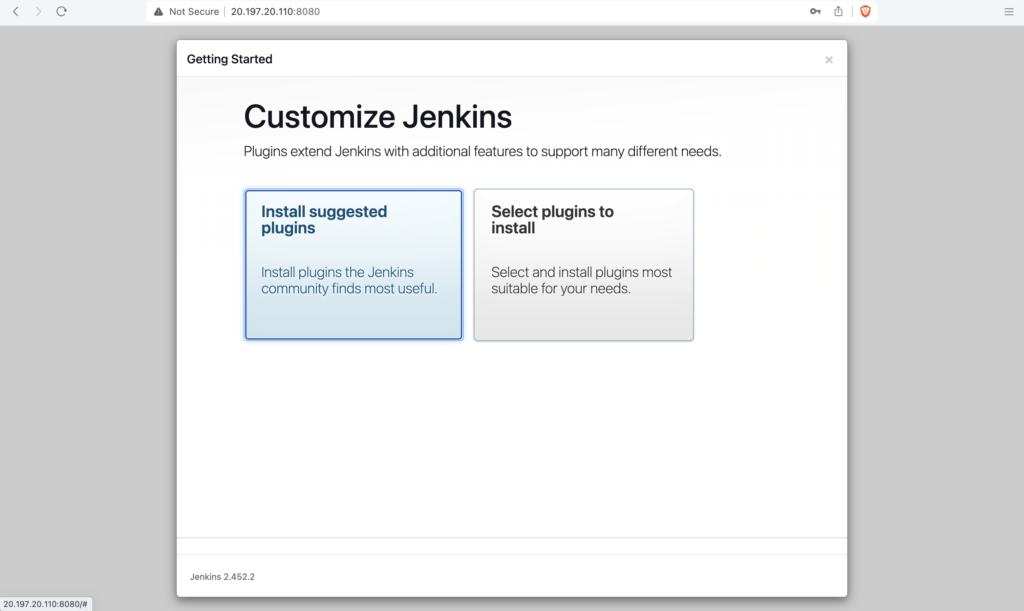
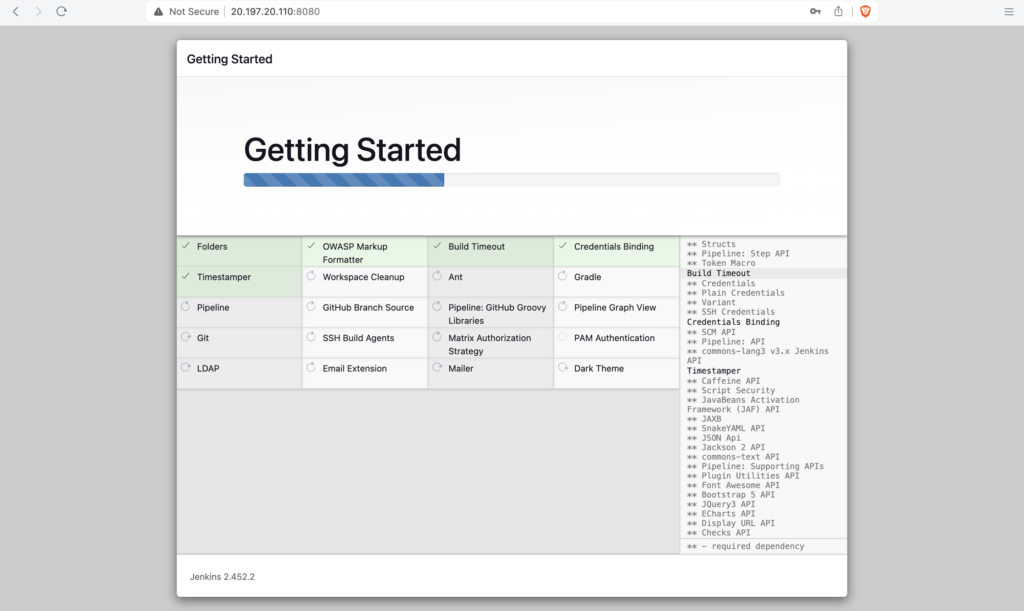
This will automatically install the necessary plugins for Jenkins
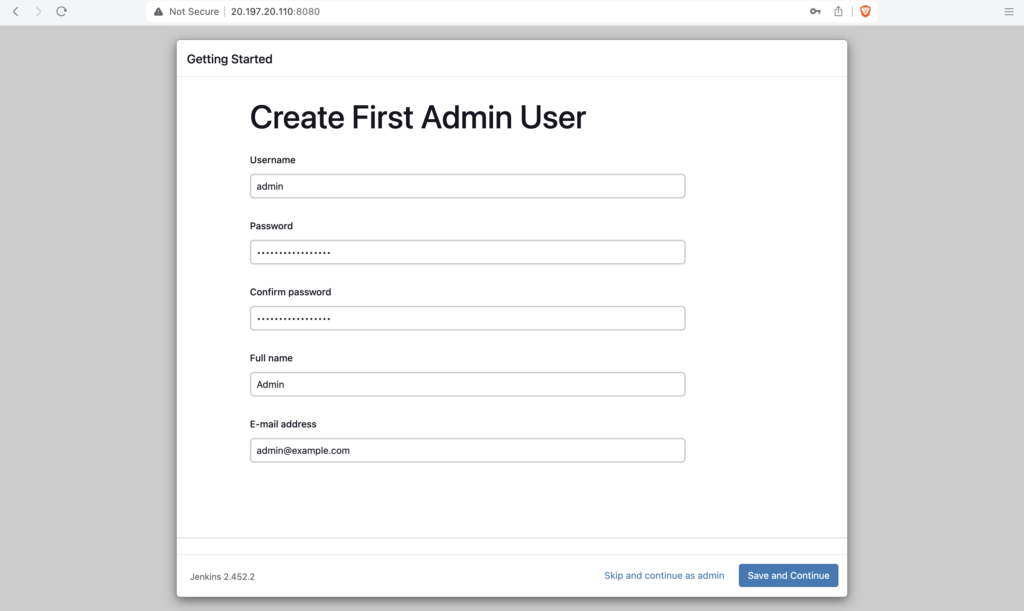
Enter the username, password, Fullme, E-mail address and click on Save and Continue
Click on Save and Finish
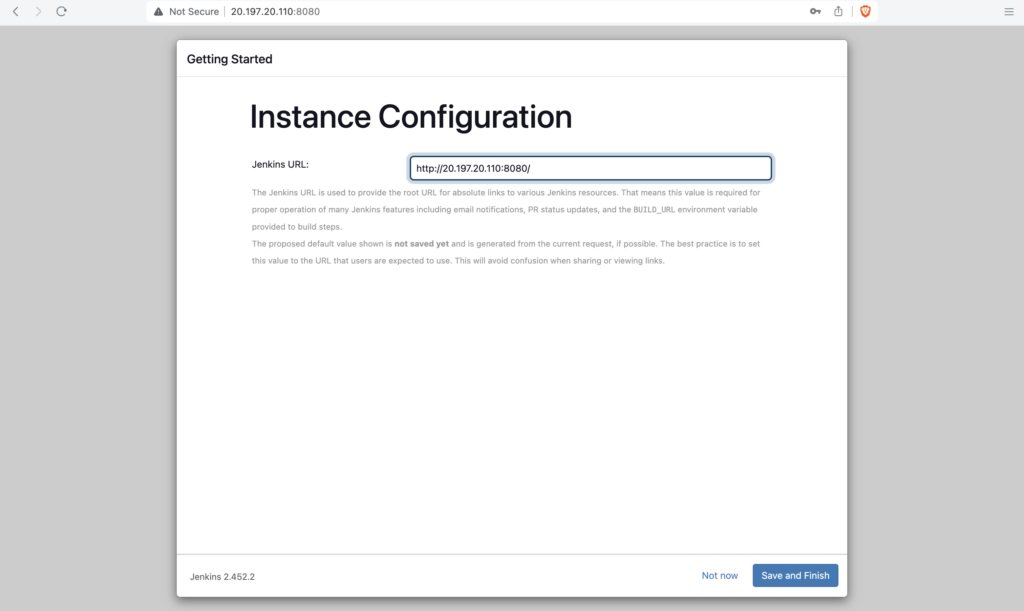
Click on Start using Jenkins
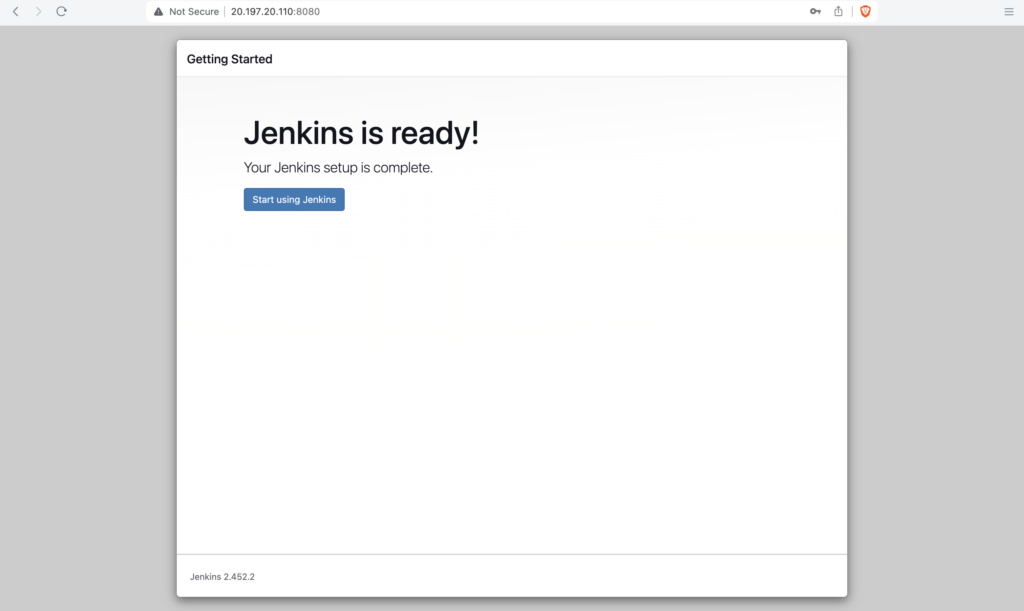
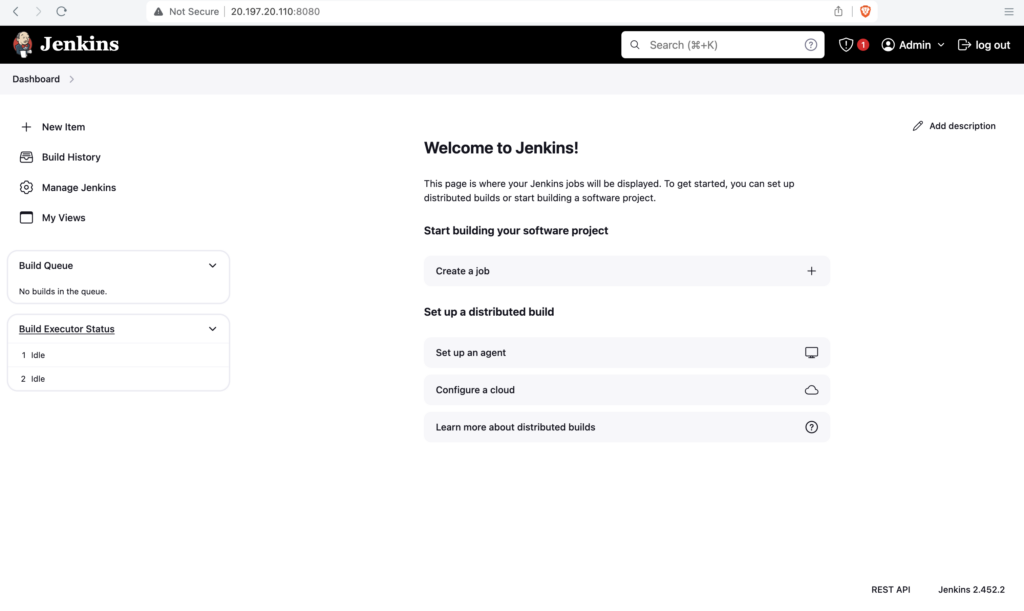
Jenkins initial setup is complete, you should see the Jenkins Dashboard now
Important Tips
Tip
Suggested Plugins: For beginners, always choose "Install suggested plugins". It installs the most commonly used plugins (Git, Pipeline, Ant, Gradle, Mailer, etc.) which covers 90% of use cases.
Important
Admin User: Do not lose the password for the first admin user you create. If you skip user creation and continue as "admin", the password remains the initial temporary password found in the log/file.
🧠 Quick Quiz — Initial Setup
Where is the initialAdminPassword file located on a standard Linux Jenkins installation?