How to store credentials in Jenkins
To store username and passsword of anything like github, dockerhub
From Jenkins dashboard, click on Manage Jenkins
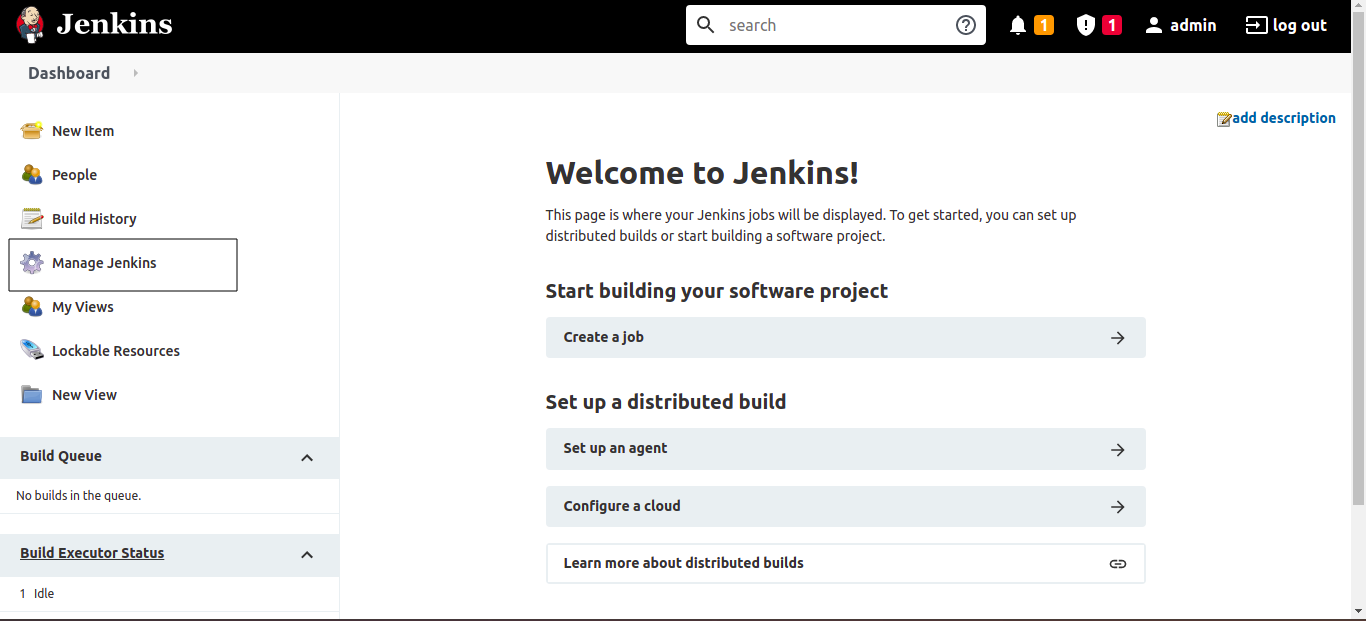
Click on Manage Credentials
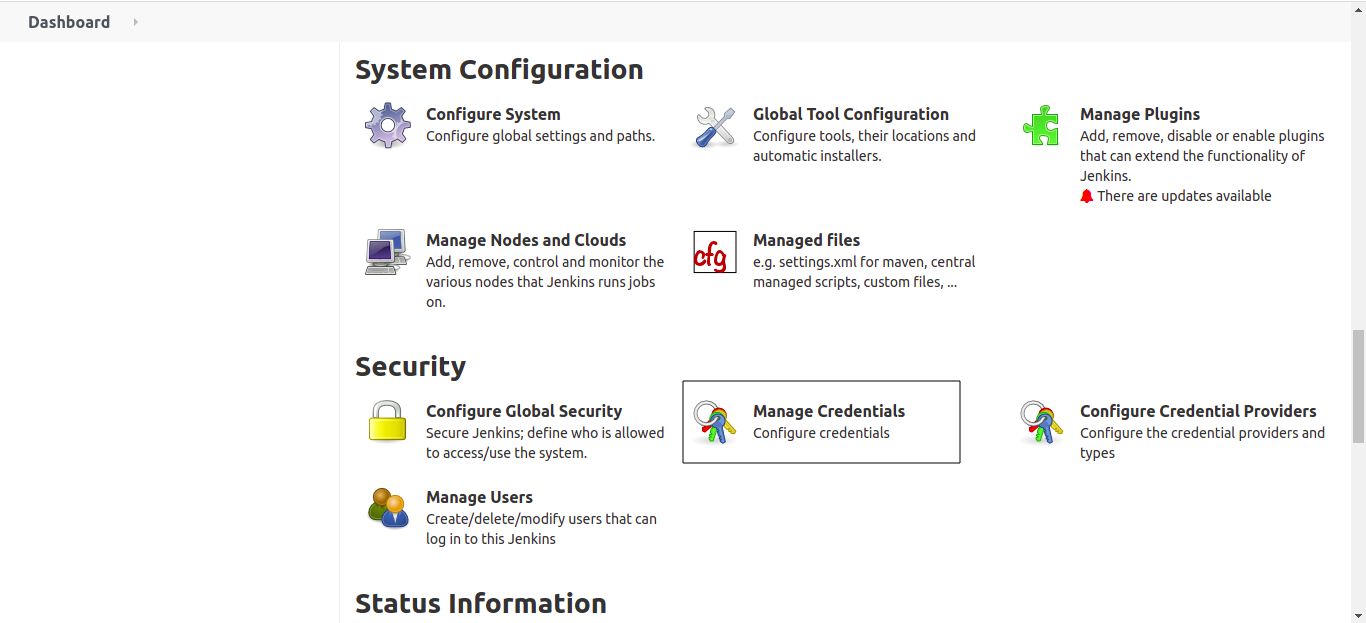
Click on Jenkins
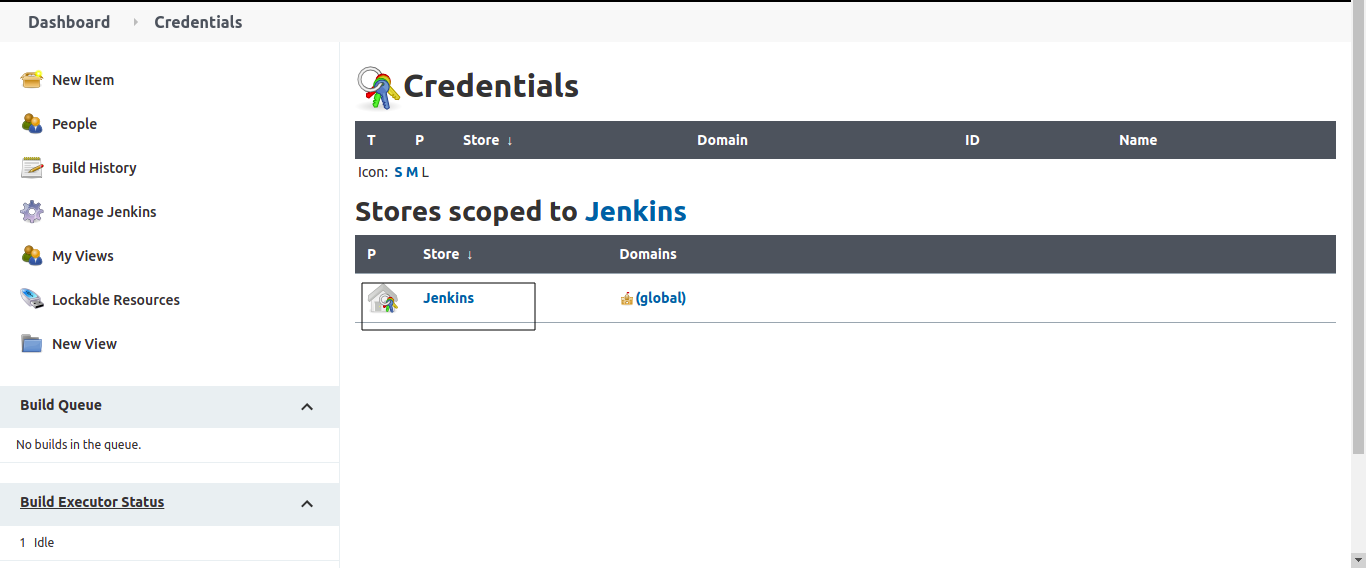
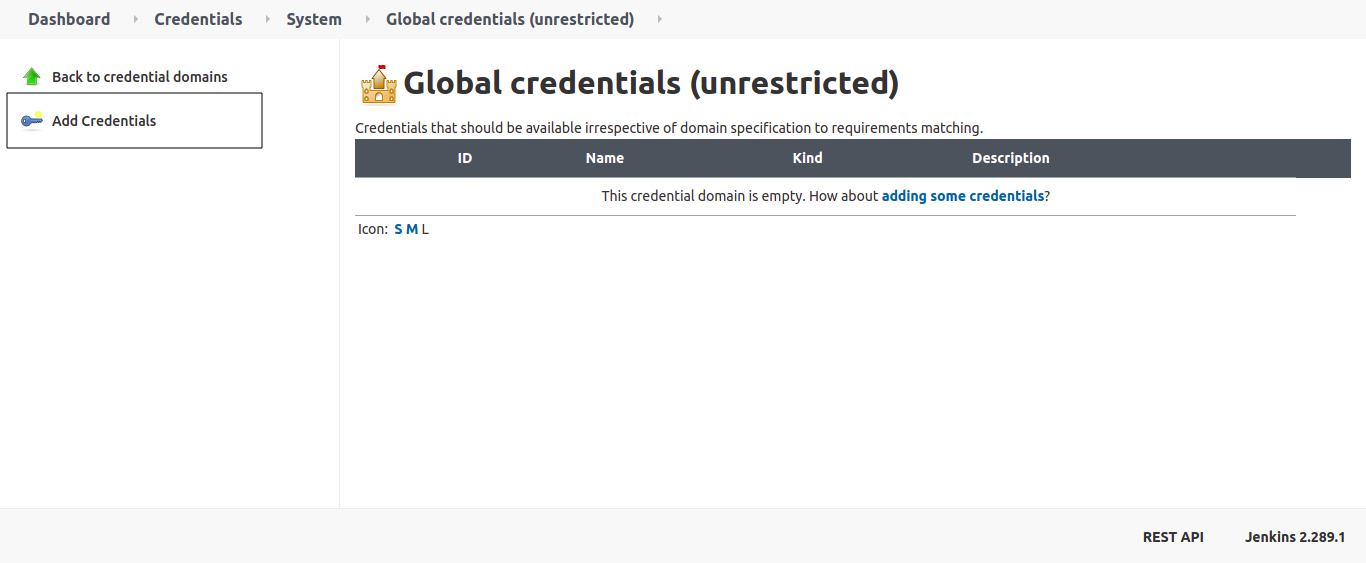
Click on Global credentials
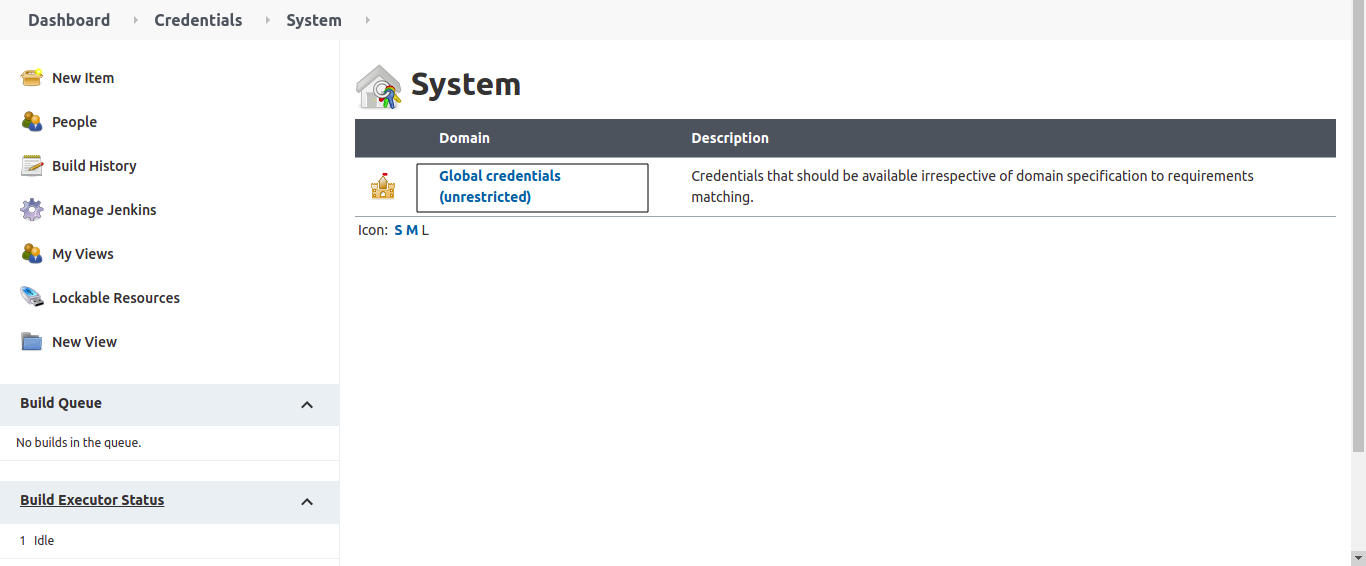
Click on Add Credentials
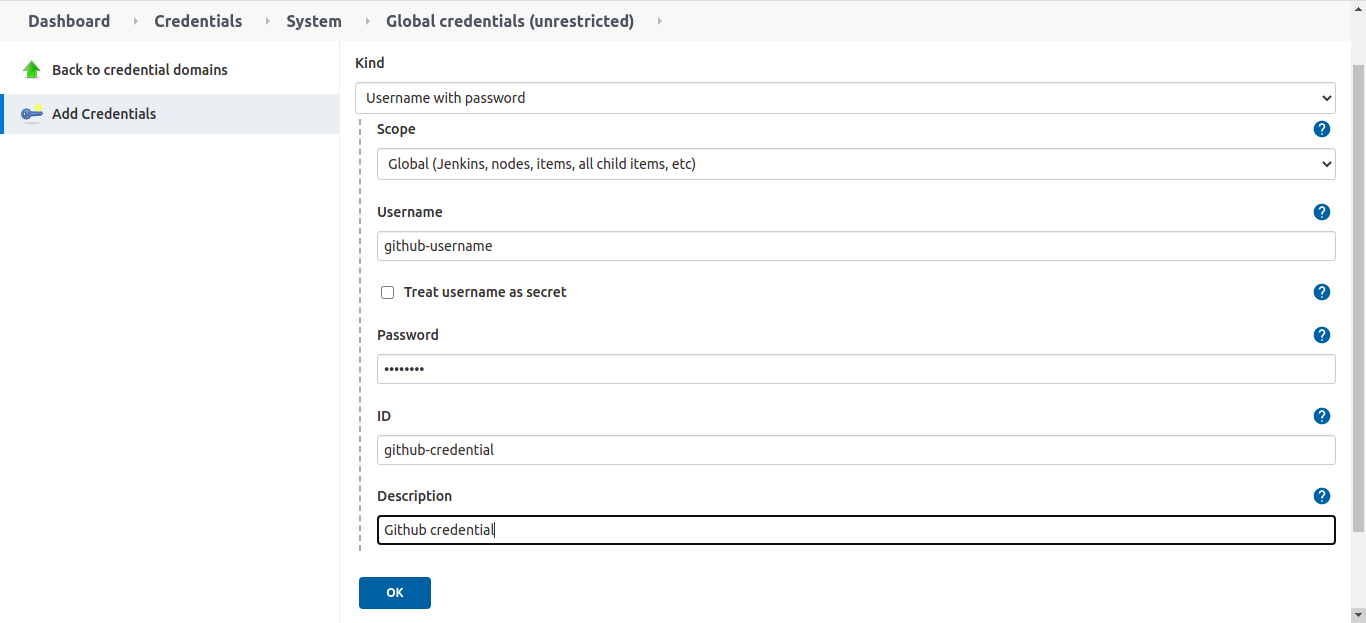
Select kind as Username with password, enter username, password and enter unique id and click on OK
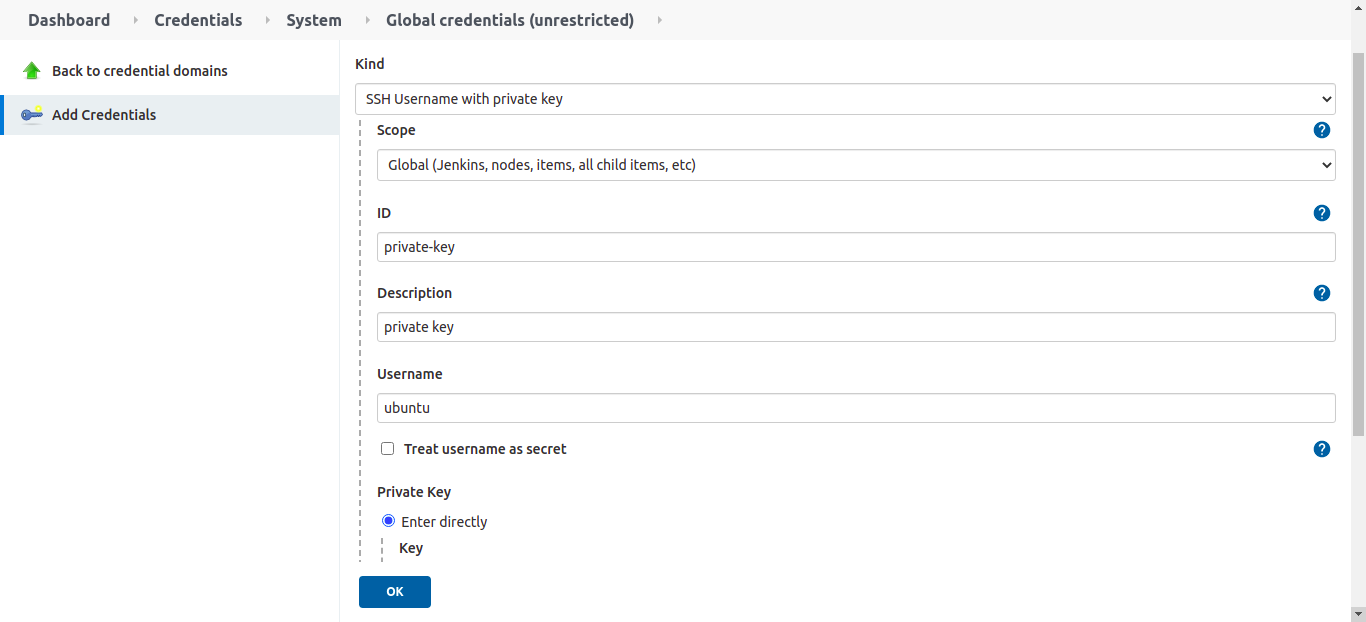
To store ssh private key
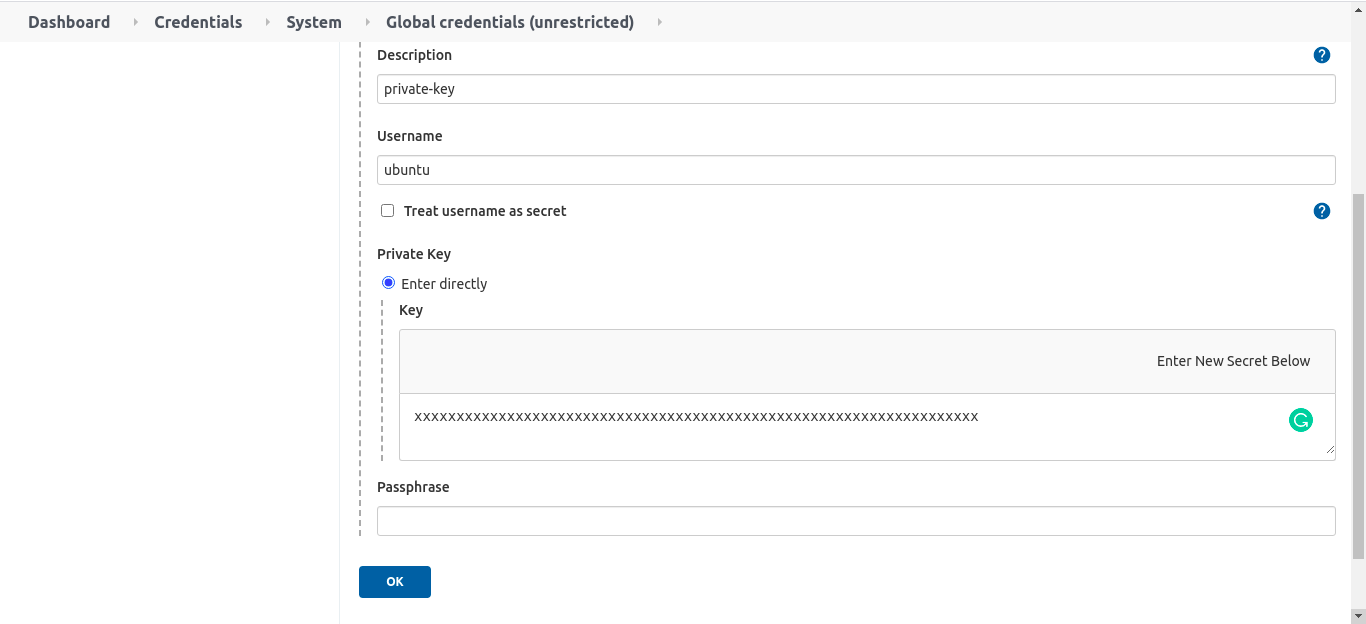
Click on Add Credentials Select kind as SSH Username with private key enter the username, click on Enter directly and then click on Add and paste your private key and click on ok
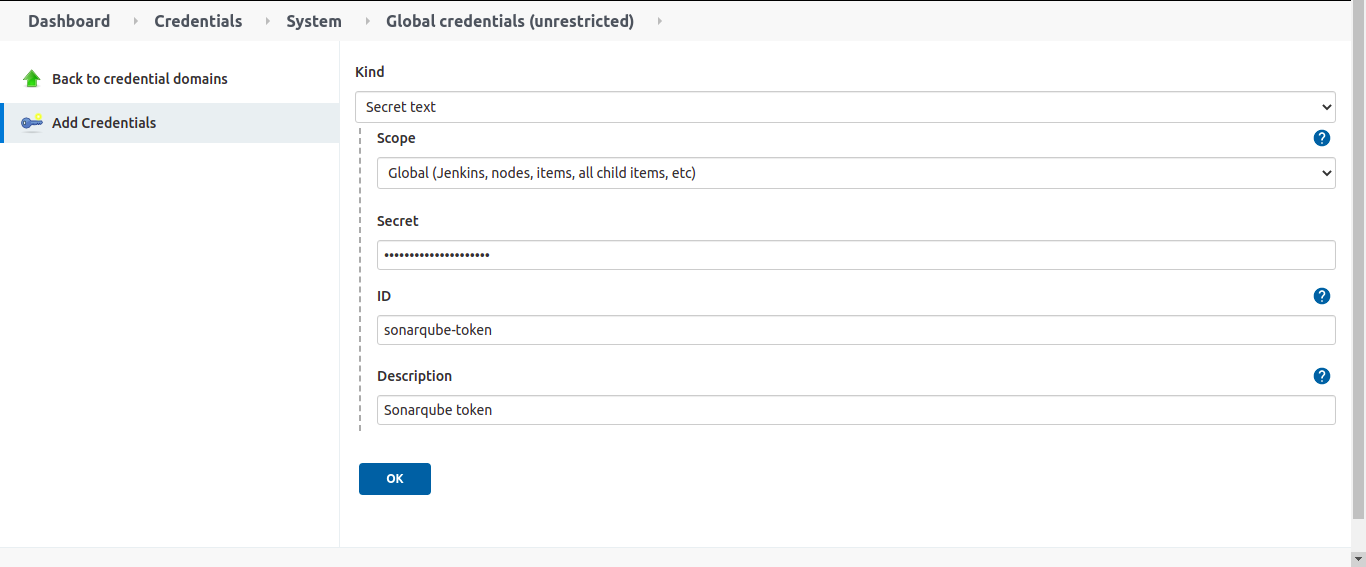
To store any token eg: gitlab, Jfrog, artifactory and sonarqube token
Click on Add Credentials Select kind as Secret text enter the token, id and click on OK
Important Tips
Tip
Use IDs: Always assign a meaningful ID (e.g., dockerhub-auth) to your credentials. If you leave it blank, Jenkins assigns a random UUID, making your Jenkinsfiles hard to read and debug.
Important
Scope: "Global" credentials are available everywhere. For tighter security, consider using "Folder" scoped credentials if you have organized your jobs into folders, restricting access to specific teams.
🧠 Quick Quiz — Credentials
Why should you store passwords and tokens in Jenkins Credentials instead of plain text in your pipeline script?